- By Dotbooker
- Sep 30, 2026
- 11
Why Your Reception Desk is Busier than Your Therapists: Online Booking Software
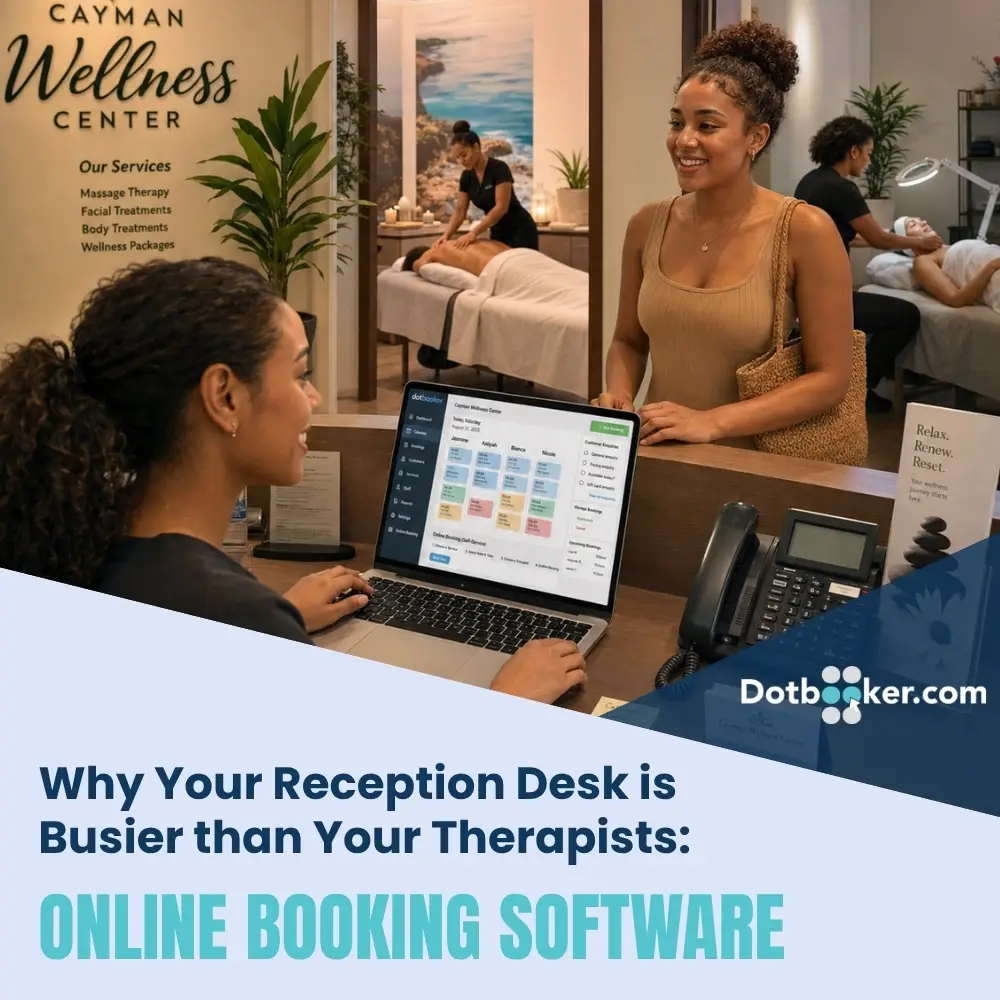
It is 10:30 on a busy Saturday at the Cayman Wellness Center.
The therapists are busy with their clients. One is halfway through a massage, another has just started a treatment, and the next appointments are already scheduled.
At reception, things look very different. The phone rings.
“Do you have anything available this afternoon?”
Before that conversation ends, another customer sends a message asking to move on Monday's appointment. Someone walking through the door wants to know whether their booking was confirmed. Another customer wants to cancel.
Then comes the familiar question: “Which therapist is available tomorrow?”
None of these requests are complicated. The problem is that they arrive all day.
For Cayman spas, salons, wellness centers, fitness studios, therapy practices, pet groomers, and other appointment-based businesses, reception teams can spend a surprising amount of time answering questions that customers could often resolve themselves.
This is where online booking software can change the role of the front desk. Instead of reception staff acting as a human booking calendar, customers can find services, check available times, and manage routine appointment needs through a structured booking experience. The receptionist is still important. Their time simply goes toward the customers and situations that actually need a person.
Why Does the Reception Desk Get So Busy?
Reception is where almost everything meets.
- Customers arrive there.
- Phones ring there.
- Payments happen there.
- Questions come here.
- Schedule changes to reach there.
- Staff may also rely on reception for appointment information.
Now add booking administration to that workload. A single customer might ask: “What appointments are available?”
The receptionist checks the calendar.
“Is Sarah working?”
They check the staff schedule.
“How much is the treatment?”
They find the service information.
“Can you book me for 3 PM?”
They enter the appointment. The interaction might take only a few minutes. Repeat it 20 or 30 times across calls and messages, and those minutes start consuming a large part of the day.
Good appointment booking software gives customers another route to those answers. That does not make reception unnecessary. It makes reception available for more useful work.
Online Booking Software Lets Customers Check Before They Ask
Think about one of the most common booking questions: “What times do you have available tomorrow?”
To answer manually, a receptionist needs to stop what they are doing, open the calendar, understand which service the customer wants, check relevant staff availability, offer times, wait for the customer to choose, and then confirm the appointment. With online booking software, much of that routine journey can happen directly.
A customer can potentially: Choose Service → View Availability → Select Time → Book
The difference seems small until it happens repeatedly throughout the week.
For a Cayman spa serving both residents and visitors, this can be particularly useful because customers may look for appointments outside normal reception hours. A visitor planning tomorrow's activity at 10 PM should not necessarily have to wait until morning simply to discover whether treatment is available.
An automated booking system keeps the booking route available even when reception is closed.
Your Receptionist Should Welcome Customers, Not Read the Calendar All Day
There is an important distinction here. Booking automation is not about removing human service. It is about deciding where human service is actually valuable. Imagine a guest arriving for their first spa treatment. They may need directions, an explanation of what happens next, help complete information, or simply a warm welcome.
At the same moment, the phone rings: “Do you have a 2 PM appointment?”
Which interaction deserves the receptionist's attention?
The customer was standing in front of them. Booking automation software can take some repetitive scheduling questions away from the admin, so staff can give more attention to people who have already arrived.
That can make the business feel more personal, not less.
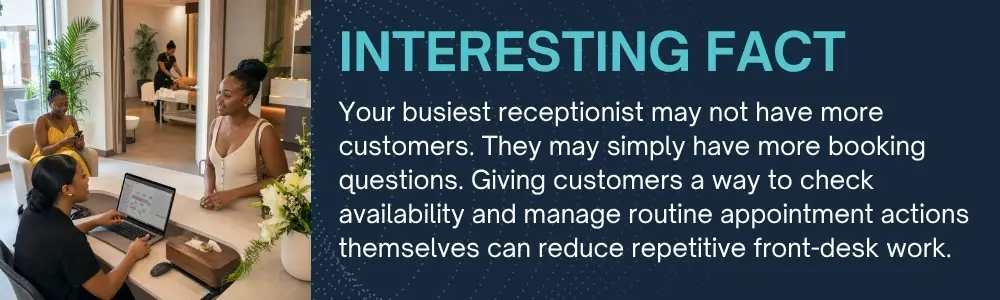
The Real Problem Is Constant Interruption
Imagine a receptionist processing a customer's payment.
The phone rings. They answer an availability question and return to the payment. Then a WhatsApp message arrives about a cancellation. A therapist asks who their next client is.
Another customer walks in.
The receptionist is technically completing everything. But every task is interrupted by another task. That constant switching is one of the less obvious costs of manual booking.
Online booking software can reduce some of interruptions by giving customers, a self-service path for straightforward booking needs. Instead of every question becoming a phone call, message, or reception conversation, the customer can interact with the booking system first. The front desk then handles exceptions rather than every single transaction.
Appointment Scheduling Software Can Reduce the “Let Me Check” Routine
Listen to the language at a busy reception desk and one phrase appears constantly:
Can I come tomorrow?
Let me check.
Is my therapist available?
Let me check.
Can I move my appointment?
Let me check.
What about Friday instead?
Let me check.
The receptionist becomes the connection between the customer and the calendar. Appointment scheduling software changes that relationship by making relevant schedule information available through the booking process. Customers can see the options the business makes available instead of requiring an employee to read those options over the phone.
This is especially useful when the question is straightforward. Complex situations can still go to reception. Routine availability does not always need to be.
Booking Automation Software Can Help With More Than New Appointments
Front-desk booking work does not stop once an appointment is created.
Customers may need to change or cancel it. They may want confirmation, o may forget when they book or may need reminders. Every follow-up creates another possible reception task.
Rescheduling
A customer who cannot attend Wednesday may want Friday instead. Where supported by the business's booking rules, booking automation software can give customers a clearer way to manage appointment changes without requiring several messages.
Cancellations
A structured cancellation process can make it easier for the business to know when a slot has reopened. That matters because an empty appointment may be available for another customer.
Confirmations
Customers should not need to call and ask: “Did you receive my booking?” An automated booking system can provide a clearer confirmation journey after an appointment is successfully created.
Reminders
Appointment communication can also reduce another familiar front-desk task: manually reminding customers about upcoming visits. The more routine activity the system can handle, the more reception staff can concentrate on situations requiring judgement or personal attention.
An Automated Booking System Can Keep Working After Reception Closes
The reception desk has working hours. Customer interest does not. Someone may decide at 8:30 PM that they want a haircut tomorrow. A tourist might search for a Cayman massage after returning to their hotel. A gym member may remember late at night that they need to reserve their next session.
Without an automated booking system, those customers may need to remember to call tomorrow, some will call and others may continue searching.
With online booking software, the business can keep an appointment route available beyond front-desk hours, according to the availability and booking rules it has configured.
That gives customers convenience while reducing the next morning's queue of: “Hi, I'm calling to see what you have available today.”
Appointment Scheduling Software Helps Connect Customers With Available Staff
Another common front-desk question is: “Is my preferred therapist available?”
The answer requires more than checking whether there is an empty appointment slot. The correct employee also needs to be available.
For a Cayman spa, a particular treatment may need a therapist with the right service assignment. A salon customer may prefer a specific stylist. A fitness customer may want a particular instructor.
Appointment scheduling software can help organize the relationship between services, staff, and available appointment times. That means the booking process can present appropriate choices rather than reception manually checking several schedules. It also reduces the risk of offering time without considering who is available to provide the service.
Appointment Booking Software Does Not Replace the Receptionist
This matters because automation is sometimes presented to remove people from the customer's journey. For service businesses, that can be the wrong goal. Your receptionist may be the first person a customer meets.
- They understand business.
- They recognize regular customers.
- They help when something unusual happens.
- They coordinate the day when plans change.
- Those responsibilities have value.
What has less value is asking the same employee to repeatedly read available appointment times from a calendar when appointment booking software can make that information accessible to customers. Likewise, an automated booking system can handle routine booking actions while employees handle exceptions.
Technology takes repetitive work. People keep humans working.
What Should Online Booking Software Take Off the Reception Desk?
When evaluating a booking system, look at the questions your front desk answers most often.
Can the customer:
- View services and relevant information?
- Check available appointment times?
- Select an available employee where appropriate?
- Book without calling?
- Receive booking confirmation?
- Reschedule according to your rules?
- Cancel according to your policy?
- Receive appointment reminders?
- Access to book outside reception hours?
If the answer is yes, online booking software can reduce a meaningful amount of routine front-desk work. Good booking automation software should also make those processes clear enough that customers do not need to call reception to understand how to use them.
That is the real test. Automation only saves time when it is easier than the manual alternative.
Let Booking Software Give Your Reception Team Their Time Back
Your reception desk should be busy because customers are arriving, being welcomed, receiving help, and enjoying great service. It should not be busy because someone has asked for tomorrow's available times for the fifteenth time that day.
Dotbooker helps Cayman service businesses bring online booking, appointment scheduling, staff availability, customer communication, and routine booking activity into one clearer customer journey.
With online booking software, customers can handle more straightforward booking needs. An automated booking system can keep working when reception closes, while booking automation software reduces repetitive appointment administration during the day.
That leaves your people with more time for something software cannot replace: Looking after the customer standing right in front of them.
Frequently Asked Questions
1. Can online booking software reduce front-desk workload?
Yes. Online booking software can allow customers to complete routine tasks such as viewing availability, selecting appointment times, booking, and receiving confirmations without asking reception to perform every step manually.
2. Is appointment booking software suitable for small service businesses?
Yes. Appointment booking software can be useful for small salons, spas, fitness studios, wellness businesses, and other appointment-based businesses where employees spend significant time answering booking enquiries or managing schedules.
3. Can customers still call if a business uses an automated booking system?
Yes. An automated booking system does not need to remove phone or in-person booking. It provides another option for customers who prefer to manage straightforward bookings while reception remains available for assistance.
4. Can appointment scheduling software show staff availability?
Depending on the system and business setup, appointment scheduling software can connect services with employee schedules, so customers or staff can identify appropriate available appointment times.
5. Does booking automation software work outside business hours?
A web-based booking automation software setup can allow customers to access eligible booking functions outside normal reception hours, subject to the availability and booking rules configured by the business.
Popular Blogs

- Oct 20, 2022
- 6153
- Sep 08, 2024
- 5638

- Nov 11, 2022
- 5013

- Oct 13, 2025
- 4064
Ready to Transform
Your Business?

Get expert guidance to streamline your business operations.