
Cayman Appointment Booking Software Checklist for Busy December Season
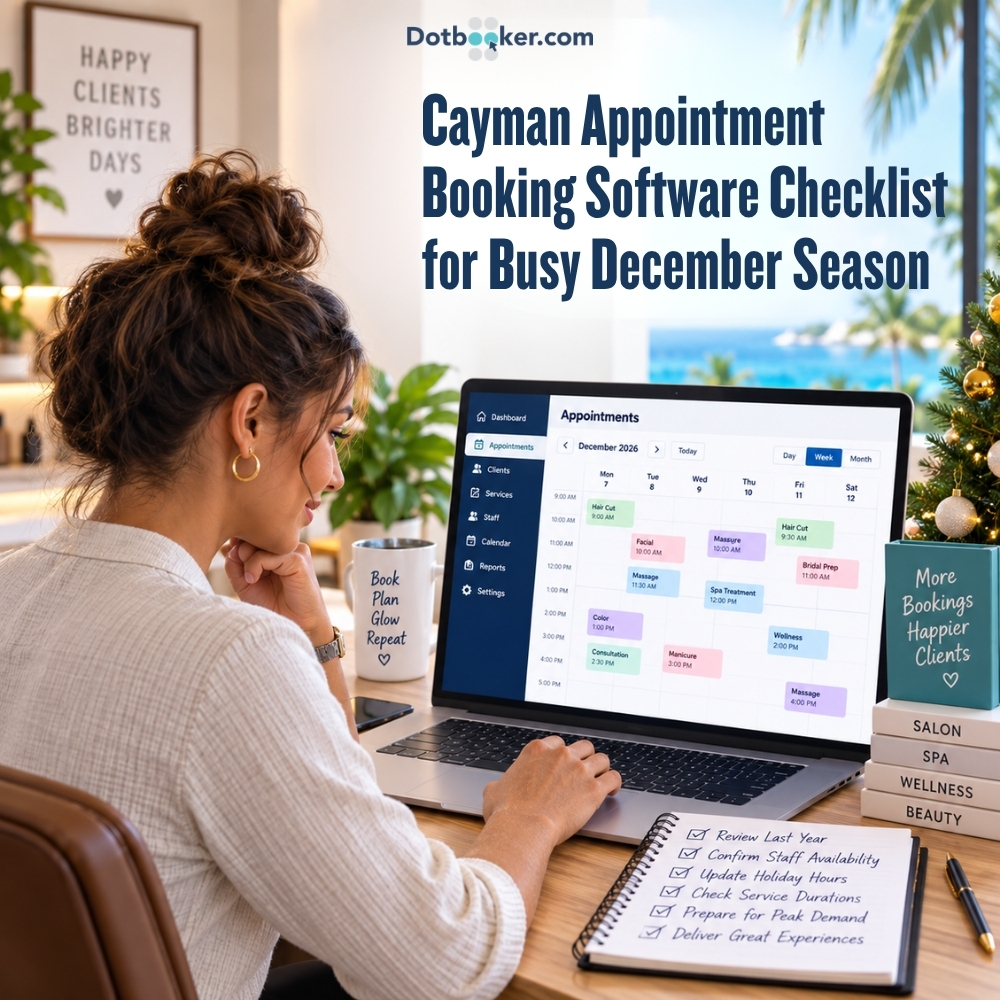
December has a way of making a normal service-business calendar look very different.
A Cayman salon that usually has a few openings during the week may suddenly have customers trying to fit in hair, beauty and grooming appointments before Christmas events. A spa can be balancing regular clients with visitors looking for treatments during their holiday. Fitness and wellness businesses may see customers rearranging their normal routines while instructors and employees are also planning time off.
The challenge is not simply that more people want appointments.
Demand can increase at the same time that staff availability, opening hours and customer schedules become less predictable.
That is why October and November are valuable preparation months.
Instead of waiting until December to discover that a staff member's leave was not blocked, a popular treatment needs more time than the calendar allows, or customers cannot find the right appointment online, businesses can prepare those details while there is still room to make changes.
A well-configured appointment booking software for Cayman service business uses can bring availability, staff schedules, booking rules and customer communication into the same planning process.
So, before the festive rush starts, open your December calendar and work through this checklist.
Checklist 1: Review Last December Before Planning the Coming December
Before deciding what, this December should look like, investigate the last one. Your previous bookings can reveal things that are difficult to predict from memory alone.
Perhaps the week immediately before Christmas was exceptionally busy, but the first week of December was fairly normal. Maybe Saturday appointments disappeared quickly while weekday mornings still had space. Perhaps one particular treatment was requested much more frequently than expected.
Your booking management software can help you look for those patterns. Pay attention to more than total appointments. Look for peak days, popular times, cancellations, frequently booked services, and periods when employees or resources are under pressure.
For example, if your salon's color appointments repeatedly filled the late-afternoon calendar last December, you have something concrete to prepare for this year.
The objective is not to copy last year's schedule. It is to avoid entering this year's season without learning from it.

Checklist 2: Confirm December Staff Availability Early
Before opening more appointments, confirm who will actually be working. Review:
- Employee leave
- Changed working hours
- December shifts
- Services each employee can perform
- Reduced holiday availability
An appointment booking system should not show a service as available simply because there is an empty calendar slot. A 3:00 PM massage cannot be booked if the appropriate therapist finishes at 2:00 PM.
This is why staff information should be finalized before customers begin heavily booking December dates. Your online scheduling software should reflect the people who can actually deliver each service.
Checklist 3: Update Christmas and Year-End Opening Hours
December may not follow your normal business hours.
Will you close earlier on Christmas Eve? Extend hours on busy Saturdays? Close on Christmas Day? Operate differently around Boxing Day or New Year's Eve?
Update these changes to your online appointment software before customers begin planning. Also remember that business hours and individual staff hours can differ.
If the salon remains open until 7:00 PM but a particular stylist leaves at 5:00 PM, customers should not see unavailable services after that employee finishes.
Checklist 4: Review Service Durations Before the Calendar Gets Full
December is not the time to discover that a 90-minute service has been configured as 60 minutes. Review the actual time required for your popular services.
A basic salon service may fit comfortably into a shorter appointment. Color services may require substantially longer. A spa treatment may need preparation and room turnover time. A fitness session may require a particular instructor or space.
Your appointment booking software Cayman setup should reflect those differences. Ask three simple questions for each high-demand service:
- How long does the actual service take?
- Does anything need to happen before the customer arrives?
- Does the team need time before the next appointment begins?
Correct durations help prevent one appointment from pushing every following appointment behind schedule.
Checklist 5: Check Rooms and Equipment Alongside Staff Availability
There is another type of availability that is easy to overlook, that is resources. Suppose three therapists are available at 11:00 AM.
Can you accept three appointments? Not necessarily.
If two services require the same treatment room or piece of equipment, one of those appointments may not be possible. This is where booking management software needs to be considered more than staff schedules. Before December, identify high-demand services that depend on:
- Treatment rooms
- Salon chairs
- Specialist equipment
- Fitness areas
- Other limited resources
Then make sure those resources are considered when availability is created.
The goal should be: Right time + right employee + required resource = genuinely bookable appointment
Checklist 6: Review Your Advance and Last-Minute Booking Rules
How early can customers reserve December appointments? And how late can they book?
Both questions matter.
Some Cayman businesses may want regular customers to reserve popular December services well in advance. At the same time, a cancellation could create an opening that another customer wants to book that afternoon.
Your appointment booking system needs rules for both situations. Before the season becomes busy, decide:
- How far in advance can customers book?
- How close to the appointment can they still book?
- Do certain services need more advance notice?
- Should different services have different rules?
Booking Mechanisms support customizable booking settings, including parameters around how far in advance or how last-minute appointments may be booked. This gives businesses flexibility without making every empty calendar slot automatically available.
Checklist 7: Prepare Your Cancellation and Waitlist Process
- A full December calendar does not necessarily stay full.
- Someone gets sick.
- Travel plans change.
- A Christmas event moves to another date.
- A customer cancels.
During a quieter month, that cancellation may simply leave an empty space. During December, another customer could already be waiting for exactly that appointment.
That is why your online scheduling software should be ready for cancellations before they happen.
If your business uses a waitlist, decide how it will work.
- Who joins the list?
- What information is recorded?
- What happens when an appointment opens?
- How does the next suitable customer know?
Advanced Automated Booking functionality includes cancellation and waitlist management, providing businesses with a structured way to manage newly available appointments.

Checklist 8: Check Confirmations and Appointment Reminders
December customers may have more than one thing on their minds.
Shopping. Work deadlines. School holidays. Events. Visitors. Travel. An appointment booked two weeks earlier can easily become another item competing for attention.
This makes customer communication worth reviewing.
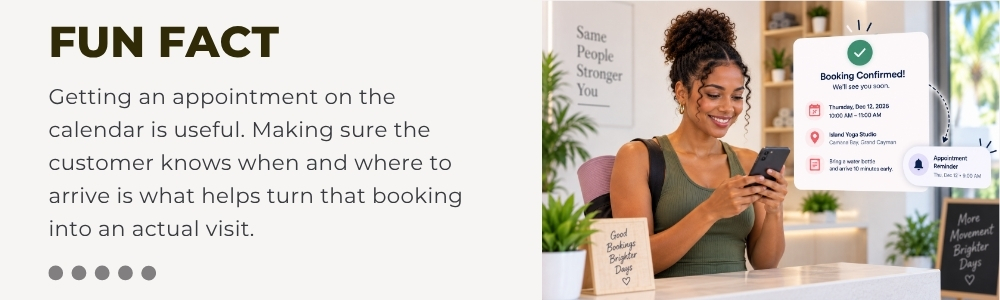
Check whether your appointment booking system correctly sends the booking information customers need, including confirmations, reminders and schedule changes where applicable.
Also test what happens if the business changes an appointment.
Does the customer receive updated information?
Does the team see the change?
The more active the calendar becomes, the less practical it is for staff to manually follow up on every booking.
Checklist 9: Don't Forget What Happens When Everyone Arrives
A perfectly organized calendar can still produce a crowded front desk.
Imagine three customers arriving within a few minutes. One wants to check in, another has a question about their service, and someone else wants to change tomorrow's appointment.
The booking system has done its job.
Now the arrival process matters.
Review how customers will check in during your busiest periods.
Staff should be able to quickly identify the customer, locate the appointment, and understand which service is scheduled.
For Cayman businesses expecting tightly scheduled December days, an efficient check-in process can help appointments move from arrival to their scheduled service with fewer front-desk delays.
Make December Busy for the Right Reasons
A busy December can be good news. Customers want appointments. Seasonal services are getting attention. The calendar is filled.
The problems begin when that demand meets information that was never prepared.
A staff member is shown as available while on leave. A treatment has the wrong duration. Two bookings need the same room. A customer cancels, but nobody knows another client is waiting. Christmas hours change, but the booking calendar does not.
Those are avoidable problems.
Before the season accelerates, use your appointment booking software Cayman setup to make sure December reflects the business you will actually be running: the people who will be there, the hours you will open, the services you can deliver and the rules customers need to follow.
Preparing for December should not mean rebuilding your calendar manually. Dotbooker brings bookings, staff schedules, real-time availability, waitlists, reminders, client information and check-in tools together in one system.
Frequently Asked Questions
1. When should Cayman businesses prepare their December appointment calendar?
October and November are useful preparation months because businesses still have time to confirm staff leave, holiday hours, booking rules and seasonal services before December demand increases.
2. What should I check in appointment booking software before Christmas?
Review staff availability, holiday opening hours, service durations, resources, booking limits, cancellations, waitlists, reminders, and the customer booking journey. Your appointment booking software Cayman setup should match how the business will actually operate.
3. How can online scheduling software help during the Christmas rush?
Online scheduling software can help businesses organize available appointments around working hours, staff and services, so customers have clearer access to suitable booking times.
4. Should Cayman salons and spas accept last-minute December bookings?
It depends on the service. Simple appointments may work with short notice, while treatments requiring preparation, specialist staff or specific resources may need an earlier booking cut-off.
5. How can businesses manage December appointment cancellations?
Have cancellation rules and a waitlist process ready before the rush. When a suitable appointment becomes available, another customer who is waiting may be able to take the opening.
6. What should I look for in booking management software for a busy service business?
Look beyond the basic calendar. Useful features include staff scheduling, real-time availability, booking rules, resource management, waitlists, notifications, customer management, and check-in.