
Dance Studio Management Software: Schedule Has More Moving Parts Than It Looks
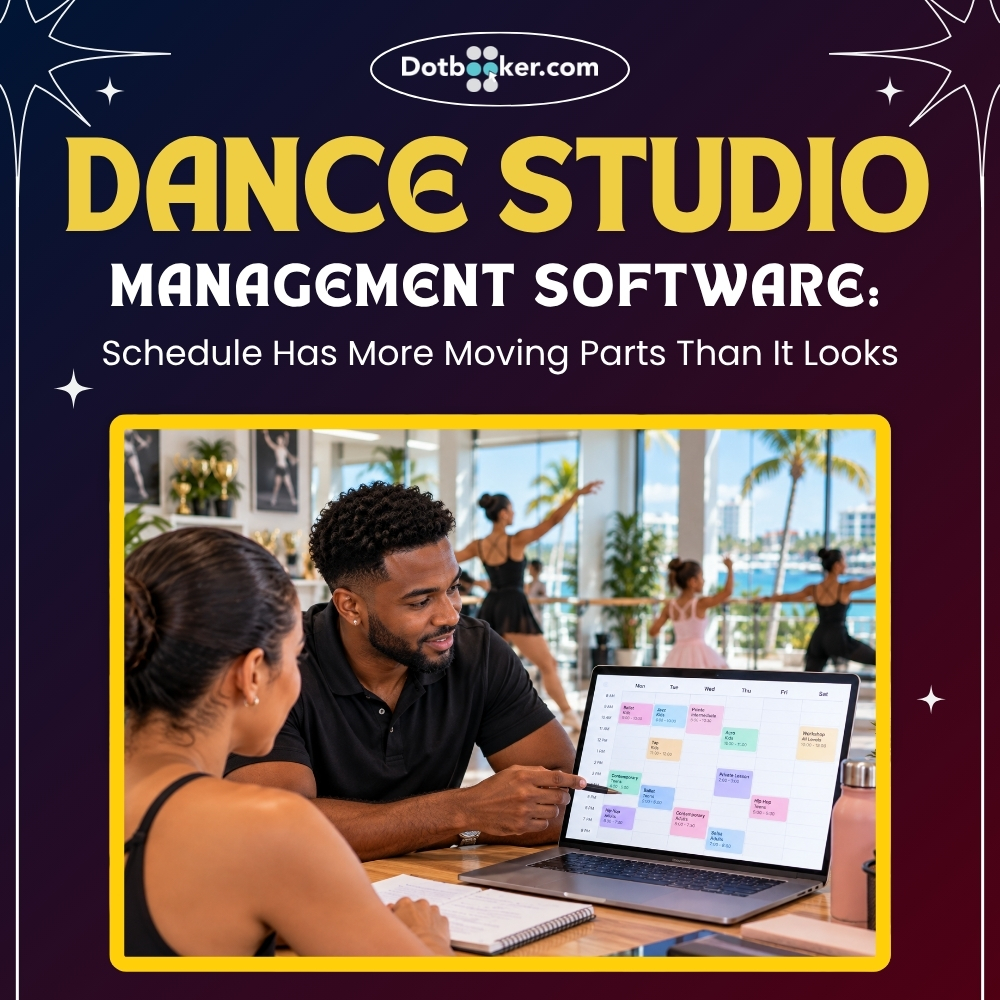
A dance studio schedule can look simple when you only see the timetable.
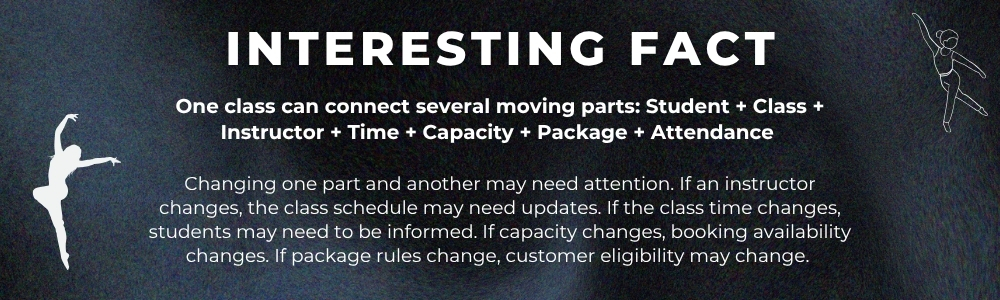
Monday might have ballet. Tuesday might have jazz. Wednesday might have been contemporary. But behind every class are decisions about instructors, students, rooms, class capacity, recurring schedules, packages, payments and attendance.
Now imagine an instructor is unavailable for one class. A student wants to join a full session. Another student wants to use a package of credit. A workshop needs to be added on Saturday. Suddenly, changing one part of the schedule can affect several others.
This is a common part of running a dance studio, especially when the business offers different dance styles, age groups, class levels, private lessons, and workshops.
For Cayman dance studios, where a business may serve children, adults, regular students and visitors at the same time, keeping these details organized becomes even more useful.
This is where dance studio management software can help. Rather than treating the calendar as a simple list of appointments, it can connect class schedules, instructors, students, bookings, packages, payments and attendance in one place. Dance platform supports class scheduling, instructor availability, online booking, workshops, memberships, payments, attendance and notifications.
The question is not just, "Do we have a calendar?"
It is, "Can our calendar keep up with everything happening around it?"
What Is Dance Studio Management Software?
Dance studio management software is a platform that helps dance schools organize the administrative side of running classes and managing students. Depending on the platform, it can bring together scheduling, bookings, instructor management, student records, packages, payments, attendance, and communication.
This matters because a dance studio rarely manages these areas separately. The class has an instructor. The instructor has availability. The class has a capacity. Students need to register. Some students may use packages, while others may pay for individual classes. After the class, attendance needs to be recorded.
When all of these activities are maintained in separate spreadsheets or messages, keeping information updated can become difficult.
A connected system gives the studio one place to manage the information that changes throughout the day.
Modern dance management platforms commonly focus on areas such as scheduling, online booking, memberships, payments, and automated communication because these are recurring administrative tasks for studios.
Behind Every Dance Class Is a Scheduling Decision
When a student sees Wednesday at 6 PM, Adult Jazz, it looks like a simple booking option.
For the studio, one class could involve several questions.
- Is the instructor available?
- Is the room free?
- How many students can join?
- Is this a recurring class?
- Does the student package cover it?
- How many students have already registered?
- Has the schedule changed?
That is why dance class scheduling software can be more useful than a basic timetable. The purpose is not to make scheduling complicated. It is to organize the information behind the schedule so that staff and students can work with clearer availability.
For a Cayman dance studio, this can be particularly useful when several classes are running during the same evening, and instructors move between different sessions.
Organize Classes by Day, Time and Type
Dance studios often offer several styles, levels, and age groups. A single timetable might include beginner ballet for children, intermediate contemporary for teenagers, and an adult salsa class later in the evening. The schedule needs to make these differences clear. For example, a studio might have:
Monday, 5:00 PM: Junior Ballet
Monday, 6:00 PM: Intermediate Ballet
Monday, 6:30 PM: Adult Contemporary
Monday, 7:30 PM: Adult Salsa
This is where dance studio scheduling becomes more than entering a class name and time. The studio needs to organize classes in a way that makes it easy for staff and students to understand what is available.
Recurring classes is another part of the picture. If a class runs every Monday for several weeks, manually creating each occurrence can add unnecessary administration.
A suitable scheduling system can help organize recurring classes while keeping workshops, private lessons and special events separate when needed. Dance platform supports recurring classes, workshops, private lessons and instructor-wise scheduling.
Assign the Right Instructor
A class cannot run simply because the time slot is open. The instructor needs to be available, too. Imagine Instructor A teaches a beginner ballet class at 5 PM and an intermediate class at 6 PM. If another session is added at 5:30 PM, there is an obvious conflict.
Now imagine that the instructor is also unavailable on Friday because of another commitment. The schedule needs to reflect that before students start booking. This is where dance class scheduling software can help connect instructor availability with class assignments.
Different instructors may have different working hours, dance specialties, or class responsibilities. A manager can then have a clearer view when deciding who should teach a particular class. The goal is simple: match the right instructor with the right class without relying on memory or last-minute messages.
Control How Many People Can Join
A dance studio may have limits based on room size, class type or the way the session is structured.
A small room might comfortably accommodate fewer students than a larger studio. A private lesson has a completely different capacity from a group class.
Suppose a Saturday workshop has room for 20 students. Once those spaces are taken, the booking system should reflect that the session is full according to the studio's configured rules.
This is where a dance booking system becomes useful.
Instead of asking staff whether a space is available, students can see available classes and register according to the studio booking setup. This can also help staff understand which classes are filling quickly.
A class that regularly reaches capacity may be worth reviewing. The studio could consider whether another session, instructor, or time slot would make sense. The point is not to assume why demand exists. It is to have clearer booking information when making scheduling decisions.
Create Repeating Class Schedules
Dance studios often work around weekly or term-based schedules. A ballet class may run every Monday. A jazz class may run every Wednesday. A Saturday workshop may happen only once. A private lesson might be scheduled separately around an instructor's availability.
Managing these different schedules manually can become difficult as the studio grows. A good dance studio scheduling process should make recurring classes easy to organize while still allowing one-off events and schedule changes.
For example, if a regular class is cancelled for a public holiday, the studio should be able to update that occurrence without losing the overall recurring schedule.
Digital Calendar supports daily, weekly, and monthly views, and administrators can update class schedules directly from the calendar. The system also includes conflict management to help prevent overlapping bookings and scheduling conflicts.
This gives staff a clearer picture of what is happening today, this week and later in the month.
Give Regular Students Package Options
Not every student wants to pay for every class individually.
A dance studio might offer five-class packages, ten-class packages, monthly memberships, or workshop packages.
Packages can make sense for regular students, but they also create another administrative question: What can this customer book with the package they purchased?
Imagine a student purchasing a ten-class package and has already attended seven classes. Three sessions remain. When the student books in another eligible class, the studio needs to record that usage accurately.
The same applies when different packages cover different services. A package for five group classes should not automatically be treated as a package for private lessons unless the studio has configured it that way.
This is where dance studio management software can connect packages with student bookings. The student gets a clearer view of what they can use, while staff have a more organized way to track package activity.
Track Attendance at the Studio
A booking tells the studio who planned to attend. Attendance tells the studio who showed up. Those are not always the same. A student may book a class and later cancel. Someone may register but not attend. A drop-in student may join a workshop without being part of a regular package.
Keeping attendance connected with bookings gives the studio a clearer record.
A dance booking system can be particularly useful here because staff do not have to treat the booking list and attendance record as two separate processes.
Booking and attendance functions as working together to record attendance, add drop-in participants and track no-shows.
Over time, attendance information can also help a studio understand participation patterns.
- Which classes are consistently attended?
- Which sessions have many bookings but frequent no-shows?
- Which workshops attract the most registrations?
The data does not make the decision for the owner. It gives the owner something useful to review.
Bring the Schedule Together in One Calendar
A dance studio may have different information for classes, instructors, workshops, private lessons, and rehearsals.
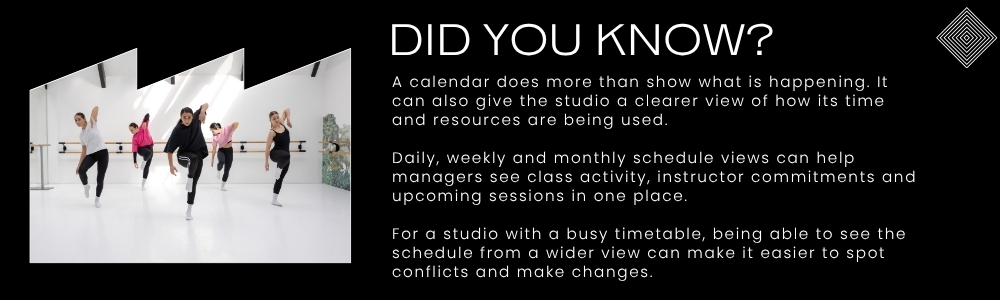
If each is maintained separately, staff may have to check multiple records before making one scheduling decision. A central calendar gives them a wider view. For example:
Monday
9:00 AM | Private Lesson | Instructor A
4:00 PM | Junior Ballet | Instructor B
5:00 PM | Jazz | Instructor C
6:00 PM | Contemporary | Instructor B
7:00 PM | Adult Salsa | Instructor D
Now the manager can see the day's activities together. This is one of the key roles of class scheduling software. The system can help organize different classes and schedules while giving administrators a clearer view of what is happening.
Calendar provides daily, weekly, and monthly schedule views and allows administrators to make changes directly from the calendar.
What Happens When a Schedule Changes?
Dance studios need to deal with changes. An instructor may become unavailable. A class may need to be moved. A workshop may be added. A session may be cancelled or rescheduled. The important part is making sure the updated information reaches the people affected.
A connected dance studio software platform can keep schedule information and notifications linked, making it easier to communicate class changes and other important updates to students and families. For students and parents, this can be useful because they can receive an update rather than relying on a message from another parent or remembering a conversation at the front desk.
Let Students Book Without Making the Front Desk the Only Option
A busy dance studio can receive the same questions throughout the day:
"Is there still space in the 6 PM class?"
"Can I join next week's workshop?"
"Can I book with this instructor?"
"Can I use my package for this class?"
Online booking can handle many routine requests.
A dance booking system can display available classes and registration options according to the studio's configured rules.
This does not remove the human side from running a dance studio. Staff can still help customers when they need personal assistance. It simply gives students another way to handle straightforward bookings.
Why Dance Studio Scheduling Gets Harder as the Studio Grows
A small studio with five weekly classes may be able to manage its schedule manually. Now imagine the same business has 30 classes, 10 instructors, private lessons, workshops, packages, and several age groups.
The number of connections increases. The studio now needs to keep track of students, teachers, rooms, capacity, schedules, bookings, packages, attendance, payments, and notifications.
That is where dance class scheduling software can become useful. Rather than updating every piece of information separately, the studio can work from a more connected scheduling process. The goal is not to make the business dependent on software for every decision.
The goal is to reduce the administrative effort required to keep the information organized.
What Should Dance Studios Look for in Management Software?
Before choosing dance studio management software, it helps to look at the complete customer and staff journey rather than one feature.
- Class Scheduling
- Instructor Management
- Online Booking
- Capacity Management
- Package Management
- Attendance
- Notifications
- Calendar Visibility
Simple Dance Studio Scheduling Flow
Think about the entire process as one connected journey:
Create Class
↓
Set Day & Time
↓
Assign Instructor
↓
Set Capacity
↓
Open Booking
↓
Student Registers
↓
Check-In
↓
Record Attendance
↓
Review Schedule
Each step depends on the information around it. When the class is created correctly, the instructor can be assigned. When the instructor and capacity are correct, bookings can open. Once students book, attendance can be recorded.
A connected system can help keep these steps organized rather than requiring staff to maintain separate records for each stage.
Why This Matters for Cayman Dance Studios?
A Cayman dance studio may have a mix of children, adults, regular students, private clients and visitors.
The studio could offer weekly classes, private lessons, workshops, and packages at the same time. A parent may want to register a child for a recurring class, while a visitor may want to book a single workshop during a short stay.
These customers do not all follow the same booking journey.
The studio still needs one clear operational picture.
That means knowing which classes are running, who is teaching them, how many spaces are available, which students are registered, and what packages or memberships may apply.
This is where dance studio management software can help. Technology handles the organization around the classes so staff can spend more time on teaching, students, rehearsals, and experience inside the studio.
Dance Schedule Is More Than a Timetable
A dance studio calendar may look simple to a customer. Behind that calendar are instructors, students, rooms, capacity, packages, bookings, attendance, and payments.
One change can affect several of them.
That is why dance studio management software can be useful for growing studios. Dance class scheduling software can help organize recurring classes and instructor availability. A dance booking system can give students a simpler way to register, while dance studio scheduling can give managers a clearer view of classes and resources. Dance studio software can bring bookings, packages, attendance, payments and communication into the wider workflow.
For Cayman dance studios, the objective is straightforward: Keep the schedule organized without letting administration take over the studio.
The right system can give students a simpler booking experience while giving staff better visibility into the activities happening behind the scenes.
Dotbooker provides dance businesses with tools for class scheduling, instructor management, online booking, workshops, packages, memberships, attendance, payments, notifications and student management.
When a dance studio has more moving parts than its timetable suggests, having one connected place to manage them can make the day easier to organize.