- By Dotbooker
- Feb 13, 2026
- 2641
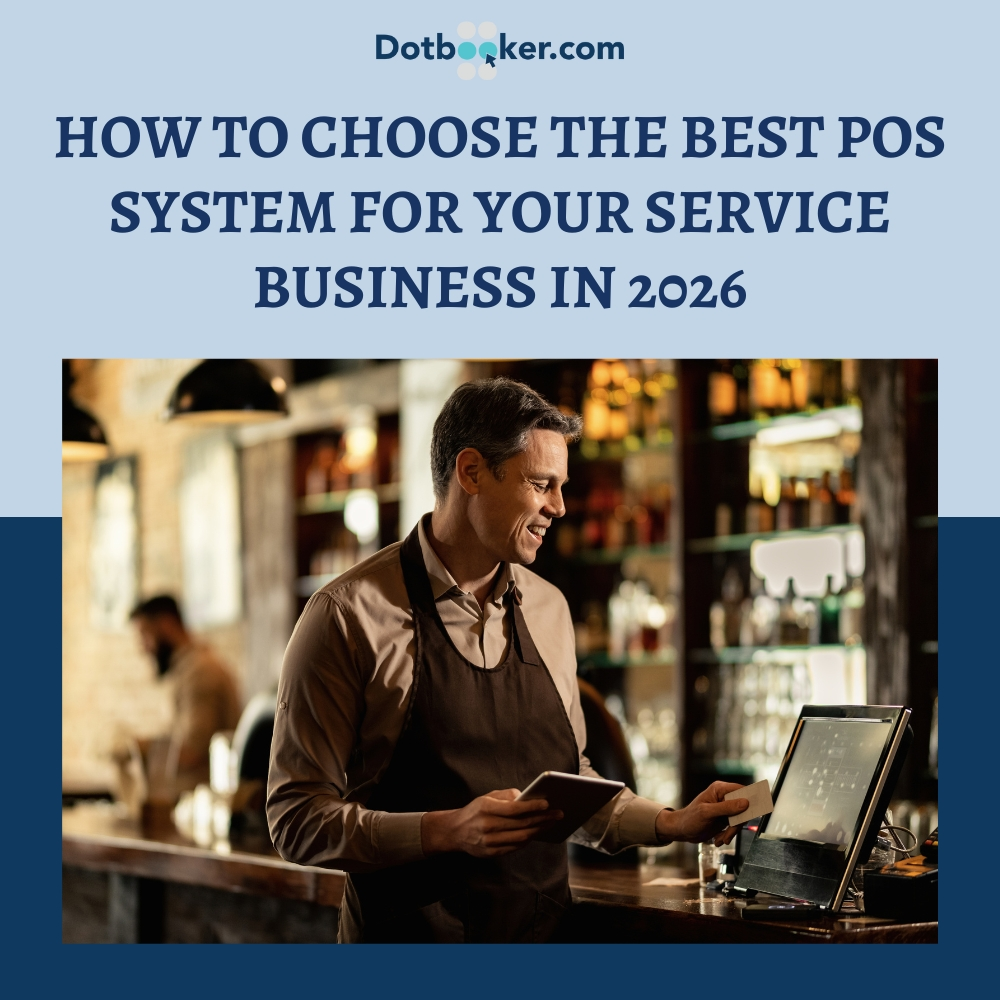
How to Choose the Best POS System for Your Service Business in 2026
It’s not just your staff, your space, or your smile.
Sometimes, what makes your client experience seamless isn’t even visible to them. It hums in the background, quietly powering every appointment, every transaction, every decision. Yes, we’re talking about your POS system.
In 2026, where convenience is currency and speed defines satisfaction, having the best POS for small businesses is more than a tech decision. It’s a brand decision. The question is: how do you choose the right one without drowning in a sea of specs, demos, and flashy feature lists?
Let’s cut through the noise and break it down from the lens of real service businesses like yours.
Red Flags Your POS is Holding You Back
If you’re constantly adapting your operations to suit your software, it’s a clear sign your POS is working against you—not for you. Here are some red flags that your current system might be more of a bottleneck than a solution:
1. Manual Syncing
Still entering sales data manually into your accounting software at the end of the day? That’s not just tedious, it’s risky.
Manual entry increases the chance of human error, delays insights, and adds unnecessary workload. A modern POS should automatically sync with your accounting tools in real-time.
2. Desktop Dependency
If checking your studio's schedule or yesterday’s revenue means waiting to get back to your office desktop, you're stuck in the past.
In today’s mobile-first business world, you need a system that works wherever you do, on your phone, tablet, or even during a quick coffee break.
3. Retail Logic in a Service World
Your POS shouldn’t confuse a therapeutic massage with a product SKU.
If your software treats your services like inventory items, without factoring in therapist availability, room scheduling, service durations, or client history, it’s not made for your business. That kind of mismatch leads to scheduling chaos, frustrated staff, and unhappy clients.
A POS should adapt to your service flow—not the other way around.
How to Choose a POS System That Scales With Your Vision
Imagine this. A customer walks in. They book a service. Your receptionist checks them in. The stylist gets notified. After the appointment, the customer pays instantly. Their loyalty points update, along with a thank-you email, lands in their inbox before they reach their car.
None of this would be possible without a smart, efficient POS system built for service environments.
That’s why more service providers are upgrading to the top point-of-sale systems, not just for payments, but also for operations, relationships, and growth.
1. Why the Best POS Systems for Service Businesses Are Niche-Specific
There’s a reason why general-purpose tools often fall short in niche businesses. A POS system designed for retail or restaurants might shine in those environments, but completely fail to meet the unique needs of a service-based setup. Why? Because your customers aren’t browsing shelves or ordering burgers, they’re booking services, interacting with your staff, and relying on you for consistency and care.
A boutique spa needs features like room allocation, therapist selection, aromatherapy add-ons, and post-visit notes. A fitness studio may require session packs, instructor availability, equipment scheduling, and automatic recurring billing. A pet grooming service may need breed-specific notes, check-in times, service durations, and pet profiles.
In each of these cases, the workflows, client expectations, and operational priorities differ. That’s why niche matters.
The top point-of-sale systems for service businesses are tailored with your industry’s logic already built in. You’re not hacking retail features to fit your workflow; you’re getting a system that thinks as you do.
Pro Tip: The best POS systems don’t just support your services. They help you elevate them.
2. POS Usability Matters: Will Your Team Actually Use It?
Flashy designs are nice, but if your front desk team is abandoning the system for handwritten notes and manual workarounds, you have a problem.
Ease of use is critical. Your POS should be so intuitive that staff can learn it during a lunch break, not a week-long seminar. Features like drag-and-drop scheduling, smart search, one-click checkouts, and simplified refunds are not luxuries; they’re necessities.
And let’s not forget onboarding new staff. High turnover is common in service industries, so having a system that minimizes the learning curve ensures smoother transitions and fewer mistakes.
If you have multiple locations, shifts, or team members who float between roles, consistency becomes essential. Your POS should offer the same experience regardless of who logs in, where they log in, or which device they use.
Remember: If your team doesn’t trust or enjoy using the POS system, they won’t use it to its full potential, which means lost productivity, missed sales, and frustrated customers.
3. Flexible POS Software for Business Needs in a Mobile World
Gone are the days of being tied to a single desktop terminal. In 2026, businesses are remote, on-the-go, hybrid, or operating across multiple physical and digital channels. Your POS needs to be just as flexible.
A modern POS system should:
- Be cloud-based for real-time syncing and backups
- Work seamlessly across phones, tablets, laptops, and POS terminals
- Allow remote access for owners and managers
- Be compatible with iOS and Android
Why does this matter? Because service doesn’t stop when you leave the counter. Maybe you need to check revenue before bed. Or approve a refund from the airport. Or open a second location and manage it from your main branch.
POS software for business needs must support the dynamic, multi-device nature of how businesses operate today. And with cybersecurity threats rising, it must do all of this without compromising data security or performance.
4. How a POS System Shapes the Entire Customer Experience
Your POS system might sit behind the scenes, but it’s at the heart of your client experience. Every interaction, from the moment a customer books online to the second they pay and leave, is impacted by how smooth your system is.
When evaluating the top point-of-sale systems, don’t just focus on what they offer you. Focus on how it makes life easier for your clients.
Look for:
- Real-time online booking with auto-confirmation
- Digital intake forms or consent forms pre-visit
- Smart appointment reminders via email and SMS
- Customizable thank-you emails and review prompts
- Fast, contactless checkout with multiple payment options
- Transparent display of loyalty points and rewards
When clients don’t have to wait, don't need to repeat details, or don't struggle with payments, they remember it. That’s what builds repeat business.
A good POS is invisible to your clients. A great POS makes their experience unforgettable.
5. POS System Integrations: Why Seamless Tool Syncing Is a Must
Running a service business means juggling tools: your booking system, your accounting software, your CRM, your email marketing platform. If these tools live in separate silos, you’re wasting time and risking errors.
Your POS should function as the central nervous system of your tech stack. It should:
- Push sales data directly into your accounting system
- Sync customer contact info with your email campaigns
- Pull reports that combine marketing and sales insights
- Automate staff hours into your payroll system
The best POS for small businesses doesn’t just operate well on its own; it enhances the performance of every tool around it.
6. Scalable POS Systems: Choosing Software That Grows With Your Business
What works for a team of three might collapse under the needs of a team of thirty. And what serves a single-location business may not scale when you add a second, third, or fifth branch.
Scalability isn’t about futureproofing with features you’ll never use. It’s about choosing a POS system that grows with you, and adapts when your needs evolve.
That includes:
- Multi-location scheduling and centralized reporting
- Cross-location client tracking
- Role-based access and permissions
- Unlimited service and product listings
- The ability to handle complex billing (subscriptions, tiered pricing, deposits)
If your POS can’t evolve with your ambitions, it will eventually become a bottleneck.
7. POS Support That Matters: What to Expect After You Buy
It’s easy to get swept away by sleek interfaces and shiny features during a product demo. But what really matters is what happens after the sale.
- Can you get help instantly when a client’s card fails to process?
- Do you get proper onboarding, or are you dumped into a self-service portal?
- Is there a real human you can speak to if a system bug affects bookings?
The best POS for small businesses comes with real support, not just ticket queues. That means:
- 24/7 technical assistance
- Live chat, email, and phone options
- In-depth help centers and tutorial libraries
- Dedicated account managers or onboarding reps
Because a five-minute glitch at peak time can cost you money, trust, and reputation.
8. From Data to Decisions: Why POS Insights Matter More Than Numbers
Any software can throw numbers at you. But what you really need are patterns, trends, and actions you can take.
Instead of drowning in spreadsheets, your POS should give you:
- Top-performing services and staff
- Busiest days and highest revenue hours
- Customer lifetime value trends
- No-show rates and cancellation patterns
- Inventory movement and reordering needs
- Campaign ROI from SMS or email blasts
The best POS systems for service businesses help you think clearly and plan boldly.
They don’t just tell you what happened. They help you understand why it happened and what to do next.
Dotbooker: The All-in-One POS System for Service Businesses
If you’re looking for a POS platform built from the ground up for service businesses, gyms, salons, spas, fitness studios, wellness brands, and more, Dotbooker is worth exploring.
It’s not just a payment system. Dotbooker combines:
- Real-time scheduling
- Contactless check-in
- Staff management
- Client tracking
- Reporting tools
- Custom packages and memberships
- And a smooth, cloud-based POS interface
Designed for growth, built for experience, and backed by real support, Dotbooker was made for service businesses that want more than just a card-swiping machine.
Because your business deserves a system that works with you, not just for you.
Popular Blogs
- Oct 20, 2022
- 6136
- Sep 08, 2024
- 5623

- Nov 11, 2022
- 5001
- Oct 13, 2025
- 4049
Ready to Transform
Your Business?

Get expert guidance to streamline your business operations.